Lisbon
- Passport
- Charger
- Tickets
- Adapter
- Sunscreen

 Deutsch
Every AI app is a box around the same model. Mantle is the box, once.

Lisbon trip
21 days to go
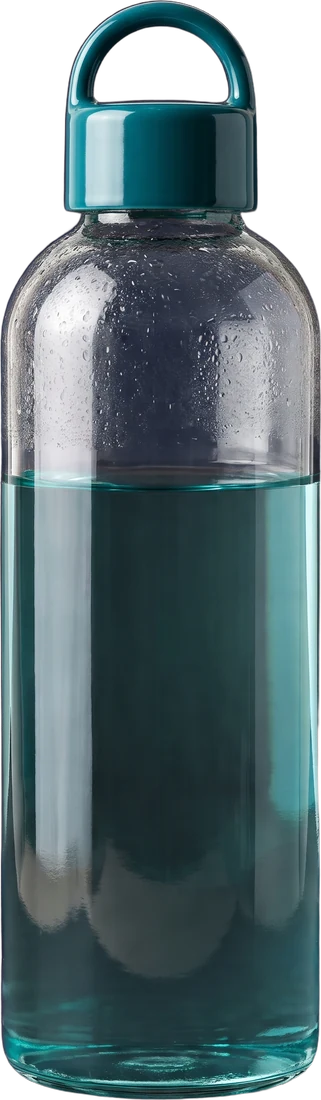
1,500 of 2,000 ml

Lisbon

72% Savings
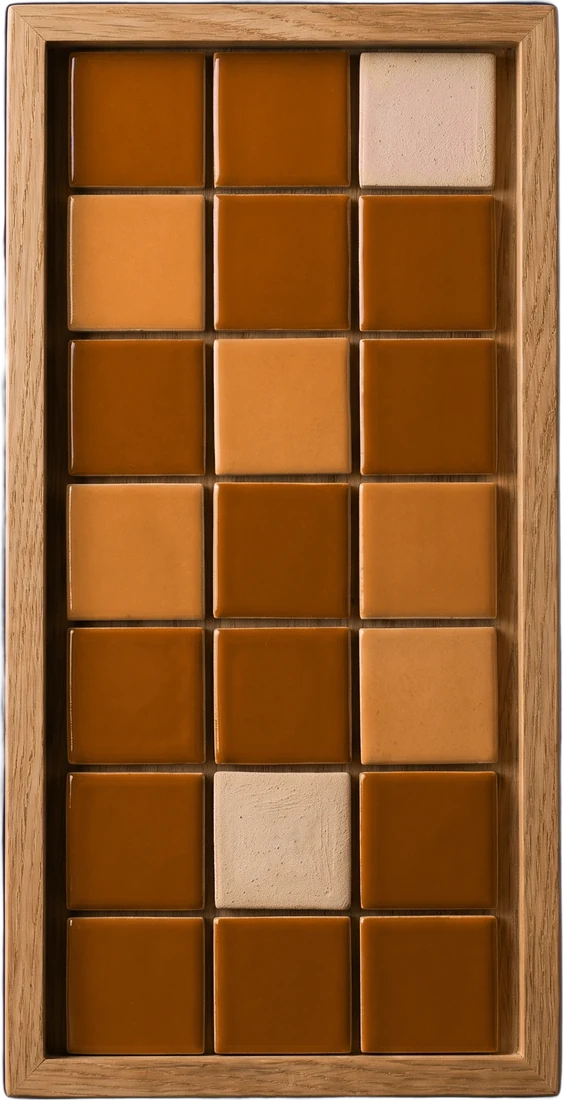
12 days Morning habits
Illustration with example data.
Most apps now do one thing: send your data to an AI and show the answer in their own box.
Tell your AI “push this as a widget” or “build me a dashboard,” and it is on your iPhone. Take it from there, or ask your AI to update it.
Press a sentence to put its widget on the wall. Illustrations with example data; nothing here talks to an AI. Tick the list and log some water.
Launch
Trip savings
Water
1,500 of 2,000 ml
Morning habits
12-day streak
Lisbon
Calories
1,240 of 2,000 kcal
Workout plan
1:30 rest timer
Project stages
Once Mantle is on your iPhone or iPad, sign in with a passkey. Then add this address to your AI as a custom connector, and approve it once. There are no API keys.
https://api.onemantle.com/mcpIn Claude: Add custom connector, name it Mantle, paste, Connect, and sign in with your passkey. Open Claude’s connectors
We test with Claude. Other AIs may let you add the same address.
Talk to your AI as you already do, and tell it what you want. Say “Mantle” in a new chat, so it knows where to put the result. Try one of these:

MantleYour dashboard was updated
0 ml of 2,000 today
Your AI 1 second ago
You get a notification, and your AI’s reply links to the widget. Use it, or ask your AI to change it.
Illustration with example data. Try Glass and Bottle on the phone.
The database on your phone is the record. Widgets work offline, reminders come from your phone, and your AI reads widgets back from it. Your AI acts only while you are talking to it.
Your AI works around what you did on the phone.
Illustration with example data. Nothing here talks to an AI.
It is never stored or logged in readable form. Our server’s notifications carry no titles or content.
9f3a c71e 04bd e2a8Backup is on by default. The key is created on your phone and never sent to us. The privacy policy lists what we hold.
Mantle. One app, filled by your AI, kept by your phone.
Coming to the App Store